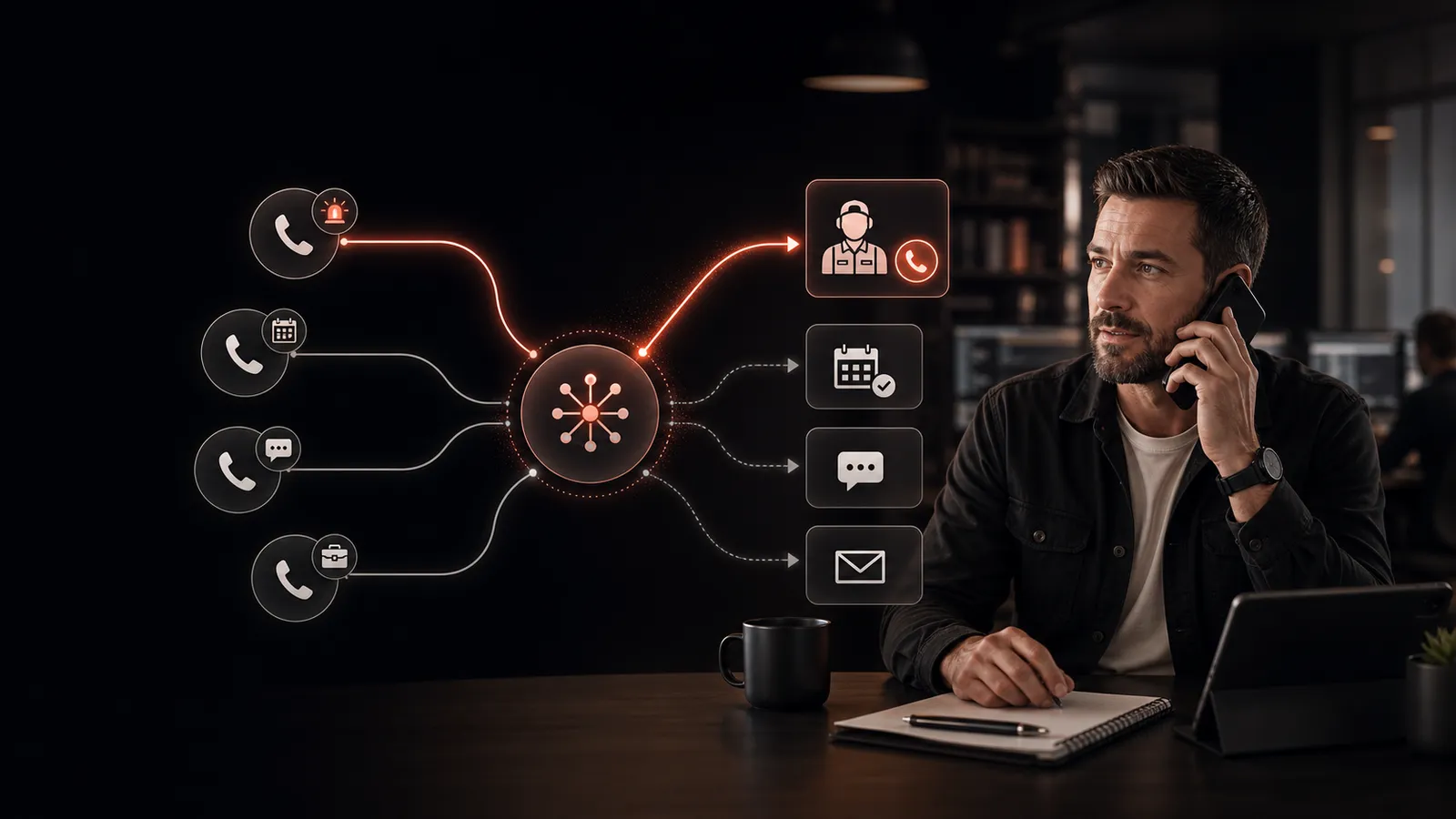
Not every call to your business is equal. A new patient who’s shopping practices is worth treating differently than a vendor calling to upsell you. An emergency caller needs a real person, fast. A returning customer asking about hours needs neither, just a quick answer.
Short answer: AI call routing is software that listens to inbound callers, identifies what they need based on intent and urgency, and sends each call to the right destination, either handling it directly (booking, FAQ, lead capture) or routing to the right human, all without a phone tree or hold music.
What “AI call routing” actually means
Traditional call routing is a phone tree: “Press 1 for sales, 2 for service.” The caller decides where they go. The result: callers pick the wrong option, hang up in frustration, or sit on hold.
AI call routing flips this. The caller just talks. The AI voice agent listens, identifies what they need, and routes based on intent, urgency, and your business rules, no buttons, no menus, no holding. It’s one piece of the broader phone call automation stack.
The signals AI call routing uses
Modern automated call handling routes based on a combination of:
- Intent. What does the caller want? Booking, FAQ, complaint, emergency, sales inquiry.
- Urgency. Is this routine (book me next week) or urgent (my pipe just burst)?
- Caller identity. Existing customer or new? VIP account? Known problem ticket?
- Time of day. Different routing rules during business hours, after hours, weekends.
- Staff availability. Who’s on call? Who’s in a meeting? Who handles HVAC vs plumbing inquiries?
The agent combines these and follows the rules you defined. A new emergency caller goes straight to the on-call tech. A routine booking inquiry gets handled by the AI itself.
Three real routing scenarios
Scenario 1: Emergency. A plumbing customer calls at 9pm: “Water’s pouring into my basement.” The AI flags urgency, captures address and contact, and dials the on-call plumber directly, while keeping the caller on the line. Total time to a human: under 90 seconds.
Scenario 2: Routine booking. Another caller, 10am Tuesday: “Hi, I need someone to look at my furnace.” The AI handles the booking directly, checks the calendar, offers two slots, captures their address and the problem. No human touched the call. Booking lands in your dispatch board. HVAC companies see this pattern dozens of times a week.
Scenario 3: Wrong number. Vendor calling to pitch SEO services. The AI recognizes it as a sales solicitation and either politely ends the call or routes to a vendor inbox, whichever you configured.
Where inbound AI beats a phone tree
A phone tree has obvious failure modes. Callers pick the wrong option. They give up if there are too many layers. They hate the experience. None of that scales when your call volume grows.
Inbound AI improves on it in three ways:
- Lower friction. The caller just speaks. No memorizing menu options.
- Smarter routing. The AI can hear context the caller doesn’t know they’re sharing, tone of urgency, mention of an existing account, specific symptoms.
- Live handling. When the AI itself can answer (booking, FAQ, capture), no human is needed at all. The phone tree could never do that.
Setting up call routing rules
Good setups start with a few clear rules and refine over time:
- Define your “always to a human” cases. Emergencies, certain VIP customers, anyone explicitly asking for a person.
- Define your AI-handled cases. Routine bookings, FAQs, hours/location questions, follow-ups on existing tickets.
- Define your handoff path. When the AI hits a wall, where does the call go? On-call cell? Team Slack? Voicemail with a transcript?
- Set business-hours overrides. Different routing rules for after-hours, weekends, holidays.
A done-for-you AI answering service provider drafts these rules with you during setup, then tunes them based on the first week of real calls.
What to measure
The two metrics that matter:
- Time-to-human for urgent calls. Sub-90-second is the bar to hit.
- AI handle rate. What percent of inbound calls did the AI fully resolve (booking, FAQ, etc.) without human escalation? 60-80% is typical for a tuned service-business setup.
If urgent calls aren’t reaching humans fast, your routing rules need tightening. If the AI handle rate is low, the agent likely needs more training on your specific FAQs and booking flow.
FAQ
Can AI call routing distinguish urgent from routine?
Yes, modern language models pick up on tone, keywords (“emergency,” “burst,” “flooding”), and explicit caller statements. They’re strong on the obvious signals.
Can it transfer mid-conversation if a caller asks for a human?
Yes. A good agent transfers immediately if a caller asks, with full context (transcript, captured details) passed along.
Does it route to different teams (sales vs service)?
Yes. Routing rules can be as fine-grained as you need, by intent, by service line, by region, by time of day.
Want to see how AI call routing would handle your business’s actual call patterns? Book a demo and we’ll walk through the routing tree we’d build for you.